
How to block the Instagram app but keep your messages
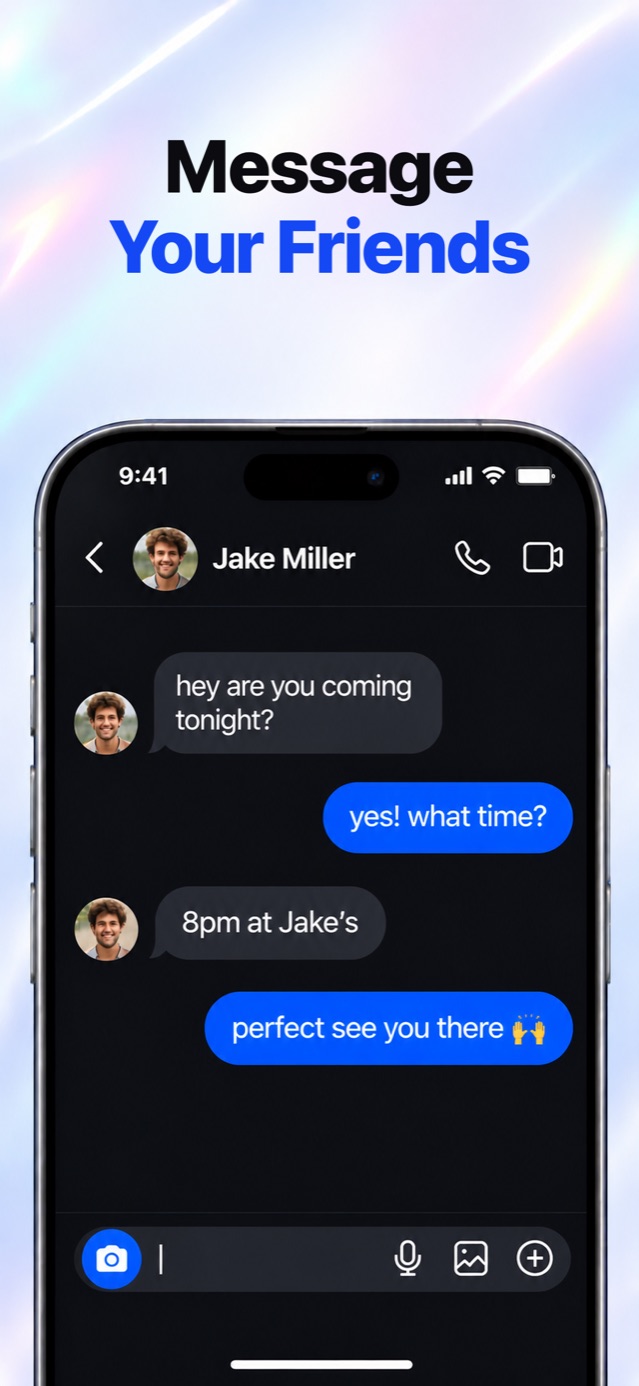
On iPhone, Screen Time can block the Instagram app, but your DMs get blocked with it. To keep messaging, read your DMs somewhere else while the app stays locked. Unscroll does both: it locks Instagram through Screen Time and keeps your inbox open inside Unscroll.
Lock Instagram and keep your DMs on iPhone
- Install Unscroll and sign in on instagram.com inside the app.
- Tap Continue when Unscroll asks for Screen Time access.
- Instagram is now locked. Use Unscroll for messages and stories.
- To use the real app, tap More in Unscroll, pick a reason and unlock it for 5 to 10 minutes.
Why Screen Time alone blocks your messages too
Apple's Screen Time treats each app as one thing. Block Instagram and you block every part of it, messages included, and its notifications are held back while it's blocked. Apple doesn't let any app separate them, which is why so many people turn the limit off after a day.
Keep DMs open while Instagram stays locked
Unscroll uses Screen Time the same way Apple's own limits do, but only on the Instagram app. Your messages live in Unscroll, which isn't blocked. You keep talking to people, and the app with Reels stays shut.
Unscroll can also send alerts for new DMs while it's closed. They arrive when iOS lets the app check in the background, so they may lag a few minutes behind.
Short unlocks for the things only Instagram does
Posting a story, going live or making a video call still needs the Instagram app. In Unscroll you pick why you're unlocking and set 5 to 10 minutes. When time is up, Instagram locks again automatically. You get three unlocks a day, and the count resets at midnight.
What happens when you tap the Instagram icon
With the lock on, tapping Instagram shows Apple's Screen Time shield instead of the app. There is no Ignore Limit button on it, which is the difference from a normal App Limit. To get in, you go through Unscroll and pick a reason.
In practice, the shield works as a speed bump. The first few days you'll hit it often, mostly out of habit. Once you know your messages are waiting in Unscroll, the reflex to tap the icon tends to fade.
Your data stays on your phone
Screen Time access goes through Apple's own permission screen. Unscroll never sees which apps you use or for how long; the lock is handled by iOS on your device. Your Instagram password goes only to instagram.com.
Common questions
Can I turn the Instagram lock off later?
Yes. You can remove Screen Time access for Unscroll at any time in iPhone Settings, and the Instagram app unlocks.
Does the lock work if I delete and reinstall Instagram?
The lock applies to the Instagram app on your phone. If you reinstall it, open Unscroll again so it can reapply the lock.