How to use Instagram only for messages
To use Instagram only for DMs on iPhone, open your messages through an app that shows nothing else. In Unscroll, switch on Only messages and the app becomes an inbox: chats, group chats and message requests, with stories, the feed, Reels and Explore all hidden. On a computer, you can go straight to instagram.com/direct/inbox.
Set up Instagram for messages only on iPhone
- Install Unscroll and sign in on instagram.com inside the app.
- Open the What to hide panel.
- Turn on Only messages. Stories and the feed disappear and the Home tab goes away.
- Optionally connect Screen Time so the Instagram app stays locked.
Why a DMs-only Instagram is hard to get
For a lot of people, Instagram is now mostly a messaging app. Friends, classmates and coworkers share links, plans and memes there, and leaving means missing out. But every time you open the app to read one message, it opens on the feed and Reels first.
Meta has tested a standalone app called Direct a couple of times, most recently in a few countries only. It isn't available in the US, UK or India.
Messages only in Unscroll
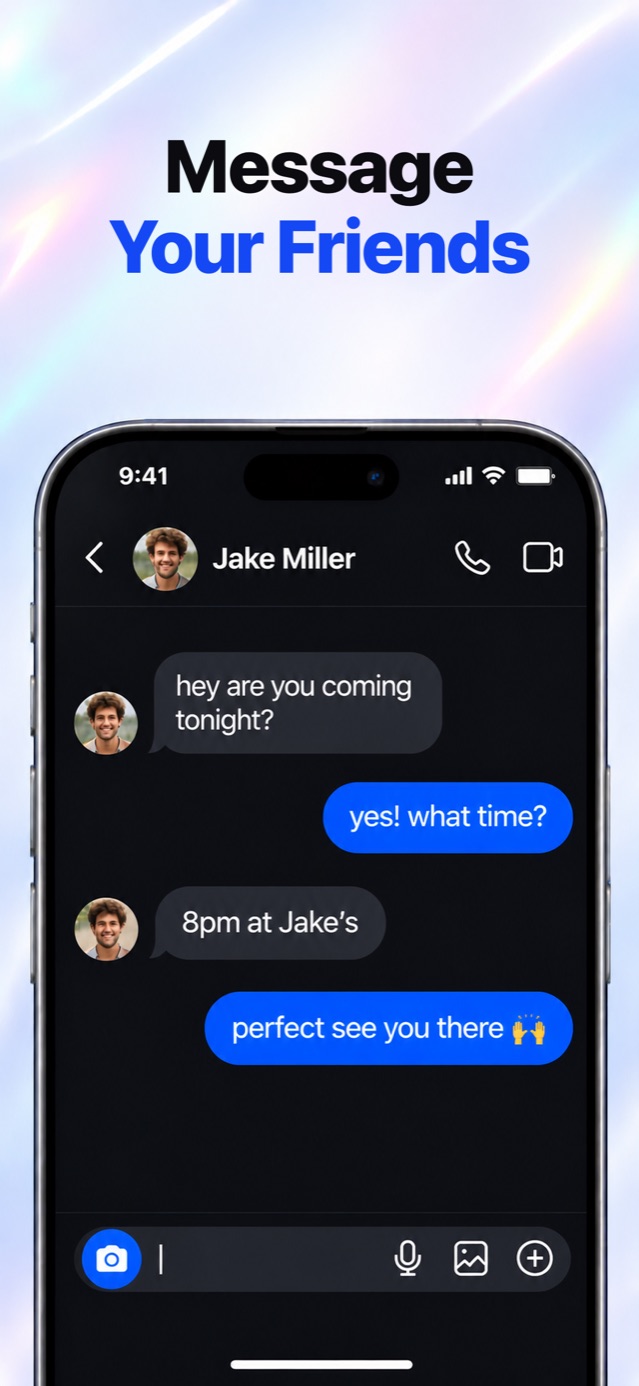
Unscroll has a switch called Only messages. With it on, you see your chat list, search, message requests and the conversations themselves. Photos, voice notes and shared posts all come through. There is simply nothing else on screen.
If you want to keep stories from close friends, leave Only messages off and turn off Reels, Explore and the feed one by one instead.
Getting notified about new DMs
Unscroll can alert you to new messages while it's closed. It checks in the background when iOS allows it, so an alert can arrive a few minutes after the message. For urgent chats, it's worth opening Unscroll now and then rather than relying only on alerts.
DMs only on a computer
On a Mac or PC, bookmark instagram.com/direct/inbox and use that instead of the home page. You'll land on your messages first. The other tabs are still in the sidebar, so it relies on willpower, but it's a decent free option at a desk.
What you give up with messages only
A messages-only setup is for talking, not posting. You won't be able to upload a story, go live or edit your profile from the inbox. Video and voice calls also need the Instagram app.
For those moments, Unscroll lets you open the real Instagram app for 5 to 10 minutes, up to three times a day. If you mostly use Instagram to talk to people, the inbox covers nearly everything else.
Common questions
Can I send photos and voice notes in a DMs-only setup?
Yes. Unscroll uses Instagram's own messaging, so photos, voice messages and replies to stories work as normal.
Will I still see message requests from people I don't follow?
Yes. Message requests show in Unscroll the same way they do in Instagram.